You've got a landing page, a launch date, and a product that still needs your attention. Then someone asks for a launch video, and suddenly you're expected to learn editing, collect assets, write a script, and export multiple formats before launch day.
For an early-stage startup, the best product launch video maker is the one that turns an existing product page into a usable teaser quickly, without forcing the founder to manage a timeline. ShipTeaser takes a product URL and produces a 15-second, 1080p, silent motion-graphics teaser in about two minutes, with exports for 16:9, 1:1, and 9:16.
The Reality of Launch Videos for Startups
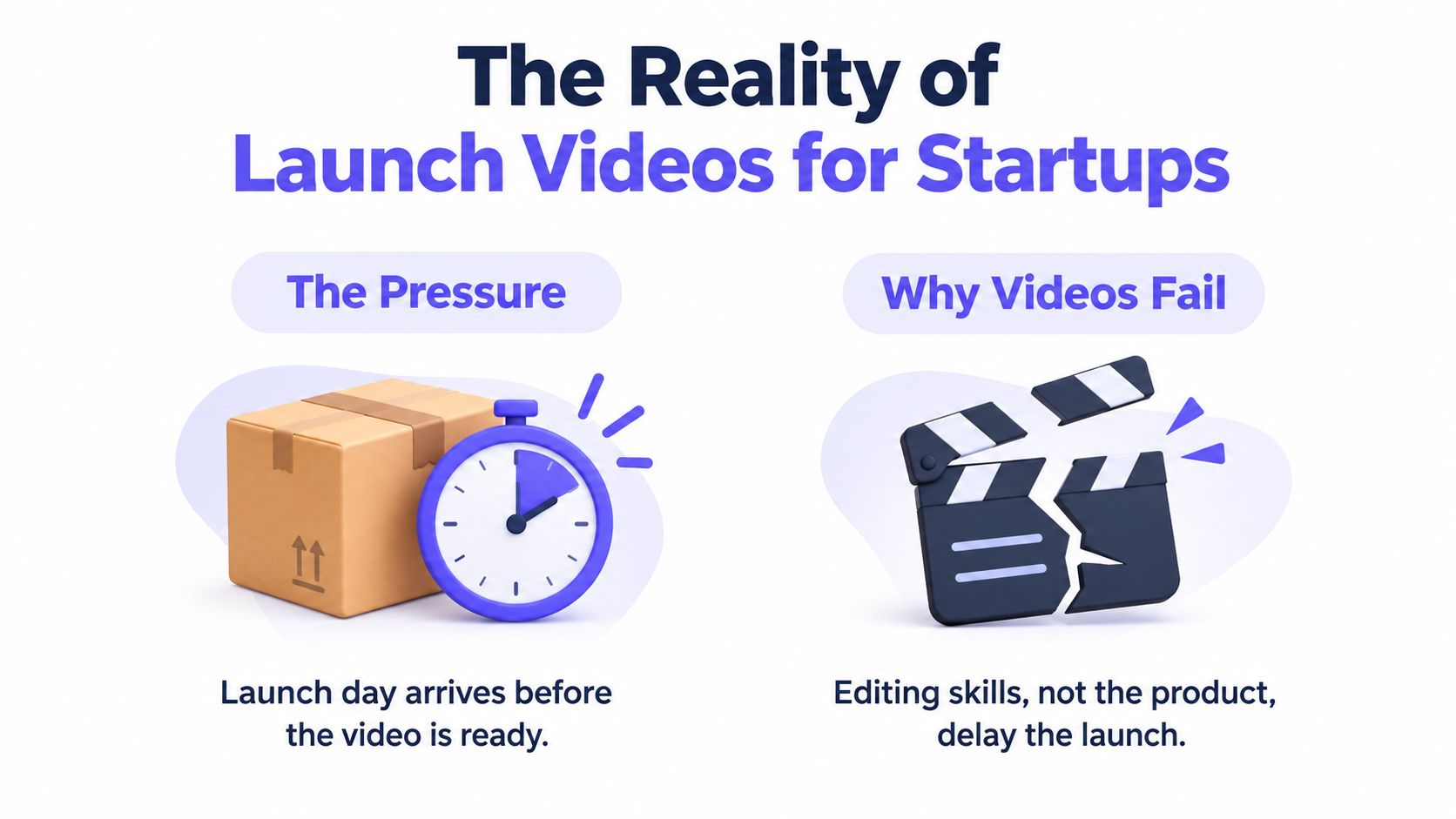
Launch videos usually fail for operational reasons. The product may be clear, the landing page may be solid, and the founder may know exactly what to say. But the video gets delayed because nobody has time to assemble scenes, choose visuals, edit timing, and troubleshoot exports.
A traditional production workflow assumes that someone can act as a producer, scriptwriter, designer, editor, and reviewer. That model can work for a large marketing team. It's a poor default for a solo builder who is still fixing onboarding, answering support messages, and preparing the launch post.
Velocity beats production value
A polished two-minute explainer can be useful later, when prospects need a deeper understanding of the product. It isn't automatically the right first asset. Launch audiences need a fast explanation of the problem, the product, and the next action.
Video is already a mainstream marketing format. In 2026, 91% of businesses use video as a marketing tool, while 93% of video marketers say video is an important part of their strategy, according to HubSpot's marketing statistics. The same source reports that 51% of people consider 30 to 60 seconds the optimal video length, and 91% say videos under two minutes are effective.
A 15-second teaser fits the startup constraint because it forces prioritization. You don't need to explain every feature. You need to create enough clarity and curiosity for someone to visit the product page, join the waitlist, try the app, or read the launch post.
Practical rule: Ship the short teaser first. Build a longer demo only after real users show you which questions need answering.
The agency model versus the automated model
The agency model starts with a brief, a creative concept, asset collection, storyboards, revisions, and production. Each stage adds coordination. The automated model starts with the asset you already maintain, your product landing page.
That distinction matters because early-stage teams often don't have a video problem. They have a workflow problem. They already have copy, screenshots, colors, a logo, and a product promise. A URL-to-video workflow uses that existing material instead of creating a new production pipeline.
If your launch depends on static screenshots, a separate guide on turning static photos into videos with AI can help you understand the broader asset-conversion approach. For a deeper diagnosis of launch-specific issues, see why launch videos fail.
Comparing Automated Video Makers
Not every automated video maker solves the same problem. Some give you templates, stock libraries, timelines, and drag-and-drop controls. Those products can be useful when you want to direct every visual decision. They still require you to behave like an editor.
A URL-to-video product takes a different position. You provide the product page, and the system creates a constrained asset from the page's message and visible product material. That makes setup faster, but it also reduces creative control. For a solo builder, that trade is usually sensible when the alternative is shipping no video at all.
Choose the workflow before the feature list
Use a template-based builder when you already have a clear storyboard and want to assemble the video yourself. You'll have more control over timing, layouts, transitions, and visual substitutions. You'll also carry the cost of making those decisions.
Use a URL-to-video workflow when the product page is the source of truth and the main requirement is speed. The result won't function like a full production timeline. That's the point. You review a fixed asset instead of managing a project.
A useful comparison looks like this:
- Manual assembly: You choose scenes, assets, copy, pacing, and transitions.
- URL-to-video generation: You submit the page and review a generated teaser.
- Long-form production: You plan a broader narrative with more research and post-production.
- Fixed-length launch content: You focus on one message and one call to action.
If you want general production guidance before choosing a workflow, Carlos Alba Media's video production tips provide useful context on planning and communication. For a more focused comparison of the URL-to-video approach, review ShipTeaser's comparison page.
What the constrained format gives you
The strongest advantage of a fixed-length teaser is review speed. You can ask one question: does this communicate the product clearly enough to earn the next click?
You don't need to debate whether a scene belongs at a different point in a long timeline. You don't need to maintain a library of unused clips. You don't need to learn keyframes or build a reusable editing system.
The limitation is equally clear. A fixed teaser isn't a screen-recorded walkthrough, a narrated demo, or a replacement for founder-led content. It's a launch asset for attention and initial understanding. Treat it that way, and the narrow scope becomes useful rather than frustrating.
Why ShipTeaser Fits the Early-Stage Workflow
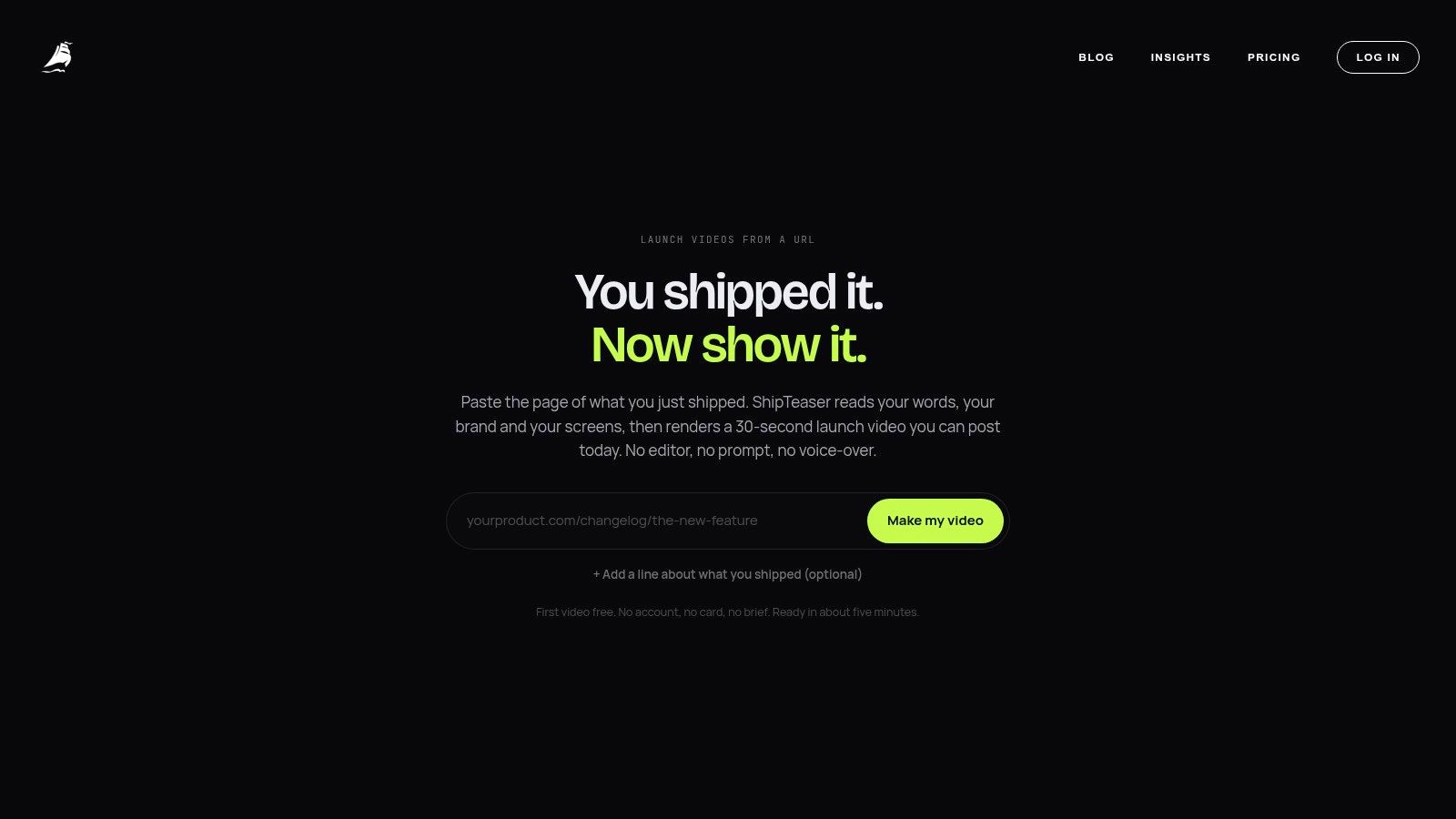
ShipTeaser fits a specific situation: your product page exists, your launch is approaching, and you need a concise video without becoming a video editor. ShipTeaser analyzes the submitted URL, uses the page's copy, screenshots, and brand cues, and assembles a short motion-graphics teaser.
The output is deliberately narrow
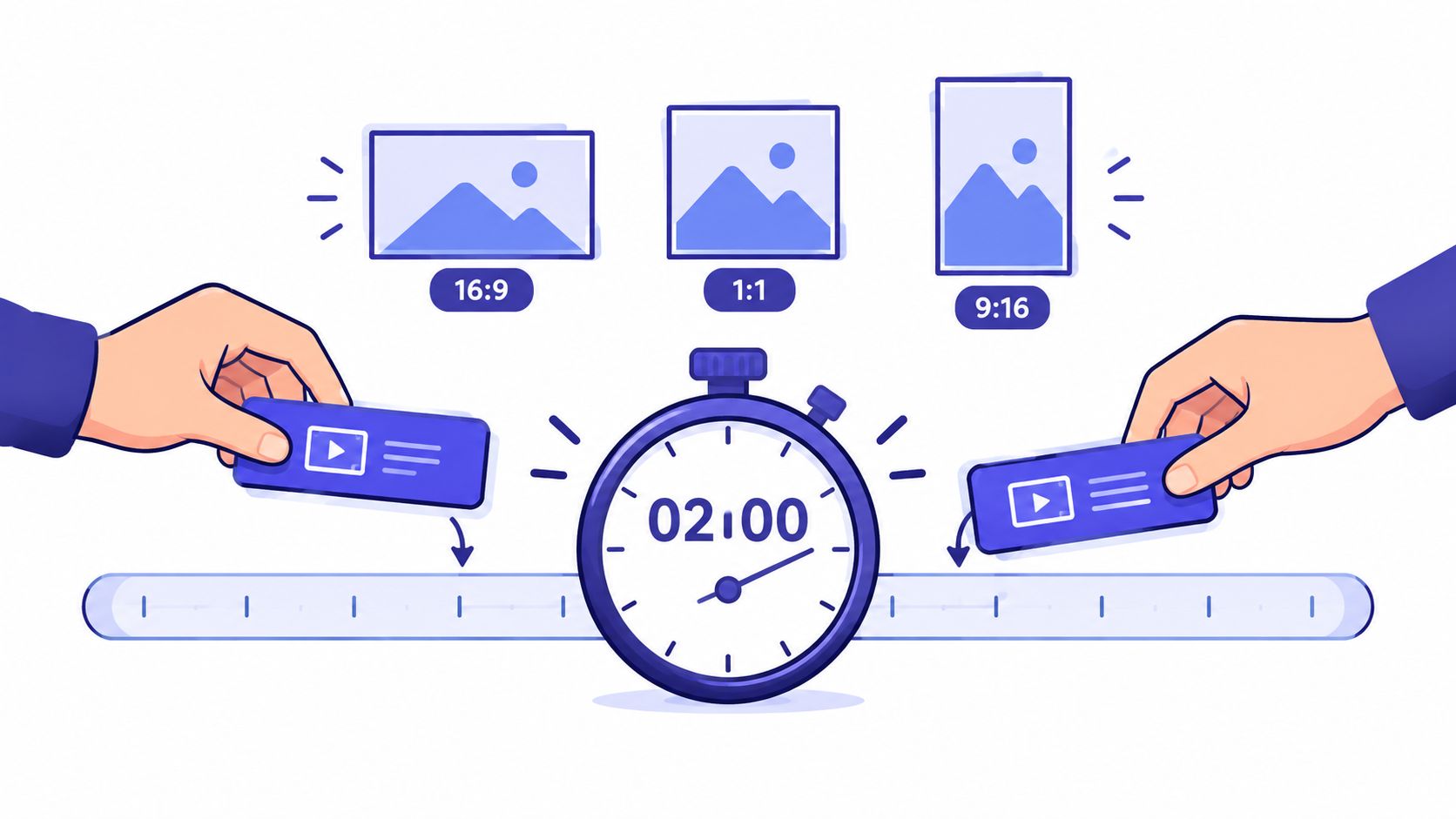
ShipTeaser produces a 15-second, 1080p, silent motion-graphics teaser in about two minutes, designed to be ready to post. The output supports 16:9, 1:1, and 9:16, so one generation can match widescreen, square, and vertical launch placements, according to the documented product workflow.
Silent means there's no voice-over or narration. An optional music bed is available, so the export isn't necessarily without audio. This distinction matters for founders who want a visual teaser that works in muted feeds without paying for voice talent or recording narration.
ShipTeaser isn't a timeline editor. It doesn't offer screen recording, stock-footage selection, clip trimming, dubbing, subtitles, translation, or text-to-video from a prompt. It also doesn't use AI avatars. If you need those capabilities, you're choosing a different production category.
Five scenes create a usable message
The teaser follows five scenes: hook, problem, solution, proof, and CTA. That sequence is a practical structure for a launch because each scene performs one job instead of competing for attention.
The hook identifies the audience's situation. The problem gives the viewer a reason to care. The solution introduces the product. Proof supplies a concrete reason to believe the claim, usually drawn from the product page. The CTA tells the viewer what to do next.
This structure also protects founders from a common mistake: trying to show the whole product. A launch teaser should not become a compressed product tour. It should make the next step obvious.
Why the economics favor automation
Video adoption isn't the main barrier anymore. The execution burden is. Among organizations that don't use video, 24% say video is too expensive, 19% say they lack time, and 10% don't know where to start, according to Wyzowl's video marketing statistics.
A URL-to-video workflow addresses the two largest practical objections. You don't start with an empty canvas, and you don't need to collect every asset into a production brief. The landing page already contains the message you're trying to communicate.
That makes ShipTeaser's startup video maker a fit for founders who value a predictable first asset over unlimited editing control.
How to Create Your Teaser in Two Minutes
Your launch is approaching, the product page is live, and you need a usable video before the rest of the launch work stalls. Start with the page, not an editor. A clear headline, specific problem, visible product explanation, and direct CTA give ShipTeaser enough material to produce a focused teaser.
Step one, prepare the product URL
Review the page before submitting it. Remove placeholder copy, sharpen the main promise, and make the important product screens visible. Choose one use case for the launch. A single clear message will outperform a page that tries to explain every feature.
Check that the page answers four questions:
- Who is the product for?
- What problem does it address?
- What does the product do?
- What should the visitor do next?
If those answers are unclear, editing the video will not solve the problem. Fix the page first, then use it as the teaser's source. Teams building a broader publishing system can review SEO-driven content production to keep launch messaging consistent across assets.
Step two, paste the URL and generate
Paste the public product URL into ShipTeaser and start generation through the URL-to-video workflow. The workflow extracts relevant page copy, screenshots, and visible brand cues, then creates a fixed-length teaser. You do not need to edit a timeline or manage a folder of production assets.
ShipTeaser uses five scenes, hook, problem, solution, proof, and CTA, as a production rule. It creates one finished deliverable rather than an editable timeline, as described in the product teaser workflow. This keeps the process suited to builders who need speed more than production control.
Step three, select the distribution format
Choose the ratio for the placement:
- 16:9: Use for a landing page, broad web placement, or a wide launch post.
- 1:1: Use when a square asset fits the feed or announcement layout.
- 9:16: Use for vertical placements designed for a full-height mobile composition.
Download the final asset and check the first frame, product name, CTA, and phone readability. If the message is clear and the CTA is visible, publish it. Do not turn a two-minute workflow into an editing project.
Post the teaser on the launch page, include it in the announcement sequence, and adapt the surrounding copy for each channel. The video should support the launch message while you keep shipping the product.
Pricing and Plans for Solo Builders
Early-stage founders should price video by opportunity cost, not just subscription cost. The true comparison is between a predictable monthly plan and the hours you would spend learning an editor, assembling assets, fixing exports, and postponing higher-value product work.
ShipTeaser's first video is free with no credit card required. The paid plans are structured around a recurring launch cadence:
- $99 per month: 1 video per week.
- $149 per month: 2 videos per week.
- $199 per month: 4 videos per week.
Those tiers match a practical rhythm for software founders. You can create a launch teaser, prepare follow-up clips for product updates, or maintain a steady stream of concise promotional assets without hiring a production team.
Pick the plan that matches your shipping habit
The $99 plan suits a founder who launches occasionally and wants one reliable asset each week. The $149 plan makes sense when you're testing several messages or supporting more than one product surface. The $199 plan is for a team that treats video as a repeated publishing task rather than a one-off announcement.
Don't choose the highest tier because more output sounds productive. Choose it only if you already have enough meaningful product updates, experiments, or launch moments to justify the cadence. More videos won't rescue unclear positioning.
A predictable subscription also makes planning easier. You know what the workflow is designed to produce, and you can schedule the video task around the product roadmap instead of opening a new freelancer search for every launch.
Frequently Asked Questions
Is ShipTeaser a video editor?
ShipTeaser isn't a video editor with a timeline. ShipTeaser takes a product URL and generates a fixed-length teaser, so founders review a finished 15-second asset rather than manually arranging clips and scenes.
Does ShipTeaser add voice-over or narration?
ShipTeaser creates a silent teaser without voice-over or narration. An optional music bed is available, so the video can include music while remaining suitable for muted viewing.
Can I create different formats for launch channels?
ShipTeaser exports teasers in 16:9, 1:1, and 9:16. Those ratios cover common square and vertical placements for a product page and social launch distribution.
What should I put on the landing page first?
Write one clear product promise, identify the problem, show the solution, include proof that already exists on the page, and finish with one CTA. A focused landing page gives the generated teaser a stronger message than a page packed with unrelated features.
Who should use a product launch video maker?
A product launch video maker suits an early-stage founder or solo builder who already has a product page and needs a concise promotional asset quickly. It isn't the right choice for a narrated walkthrough, screen-recorded tutorial, or fully editable production with custom post-production.
ShipTeaser turns a product URL into a 15-second, 1080p silent motion-graphics teaser in about two minutes, with 16:9, 1:1, and 9:16 exports. If you need launch velocity without managing a timeline, try the first video free with no credit card through ShipTeaser.