A teaser video is a short promotional clip, usually 6 to 30 seconds, that reveals one selected detail to build curiosity and then sends viewers to a next step such as a landing page, a follow or a sign-up. A teaser is not a miniature demo, and its job is to earn the next click rather than explain every feature.
Founders now introduce software in the same feed as lunch photos and sports clips. That setting rewards a compact, legible promise and punishes a slow reveal. So why do so many teasers leave viewers unable to name the product or say what it does?
What a Teaser Video Is and What It Withholds
A teaser video is a short promotional clip built to create curiosity and early interest, not to explain the whole product. It reveals one selected detail, such as a benefit, a visual identity, a launch date or a distinctive feature, and holds back enough to push viewers to a next step.
The movie trailer is the cleanest analogy. A trailer shows the best few seconds, the tone and the star, then leaves the plot for the film. A product teaser does the same with a landing page: it shows the strongest promise and the product in its own interface, then sends the viewer to the page for the full story.
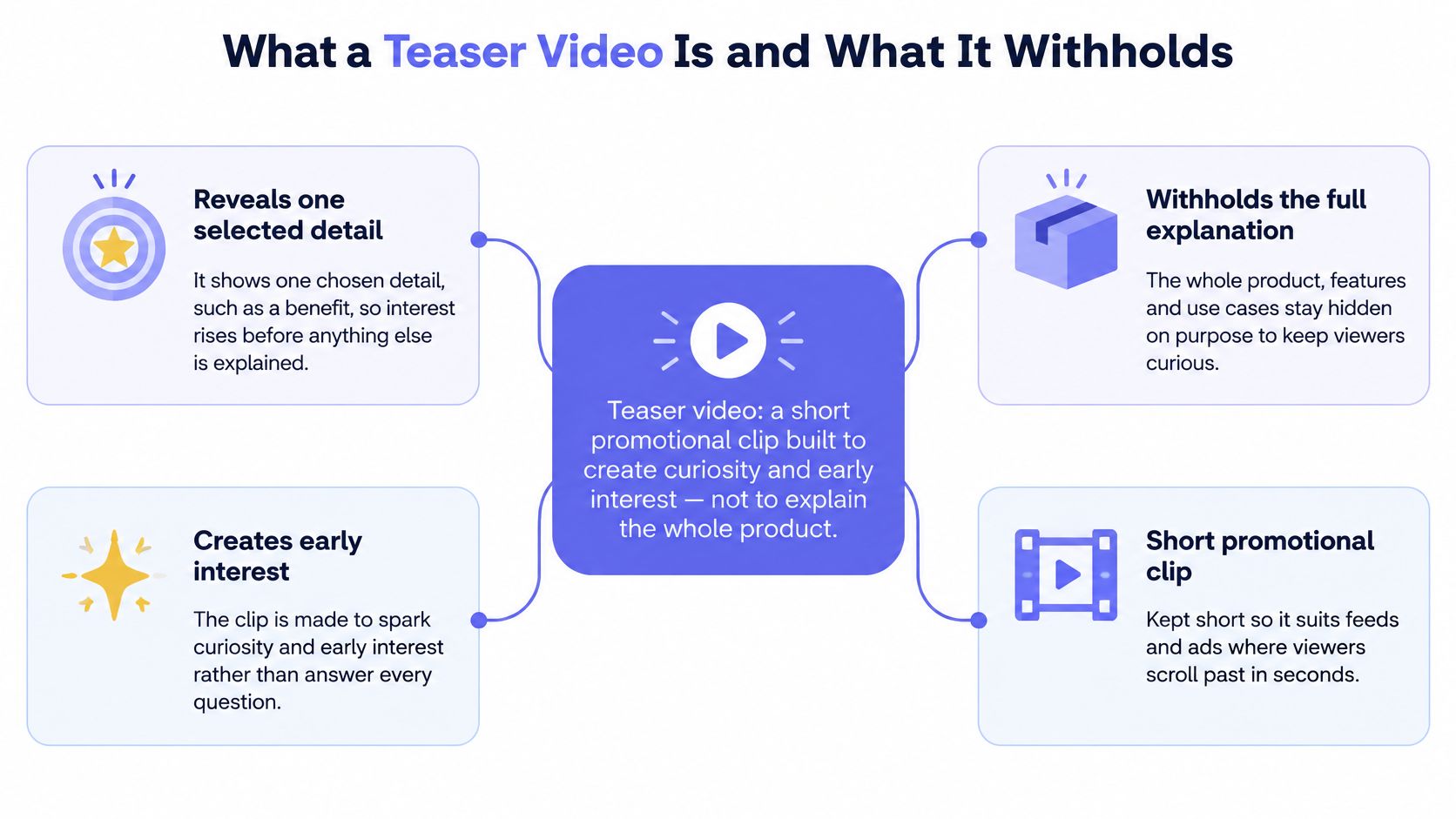
A teaser withholds three things on purpose. The full feature set stays out, because a list of features turns curiosity into a checklist. The complete explanation stays out, because the landing page or demo does that job better. Pricing stays out, because a 15-second clip can't answer the questions a price raises and doesn't need to.
The viewing habit is already there. In 2024, 69% of consumers preferred learning about a product or service through a short video, according to Cambridge Filmworks' compilation of video marketing research. A 2025 global report also found online adults watched short-form video for an average of 6 hours and 37 minutes per week, according to DataReportal's Digital 2025 global stats shot. A first touch that matches that habit doesn't have to fight for attention.
The test: after one viewing, a stranger should be able to name the product, state its one promise and say what to do next. If they can't, the teaser is either too mysterious or too long.
The Five Scenes That Earn the First Three Seconds
A teaser has three seconds to make its trade-off: reveal enough for a stranger to recognize the product and its promise, while holding back the full explanation. That opening must make sense in a muted feed, where the viewer may be scrolling past.
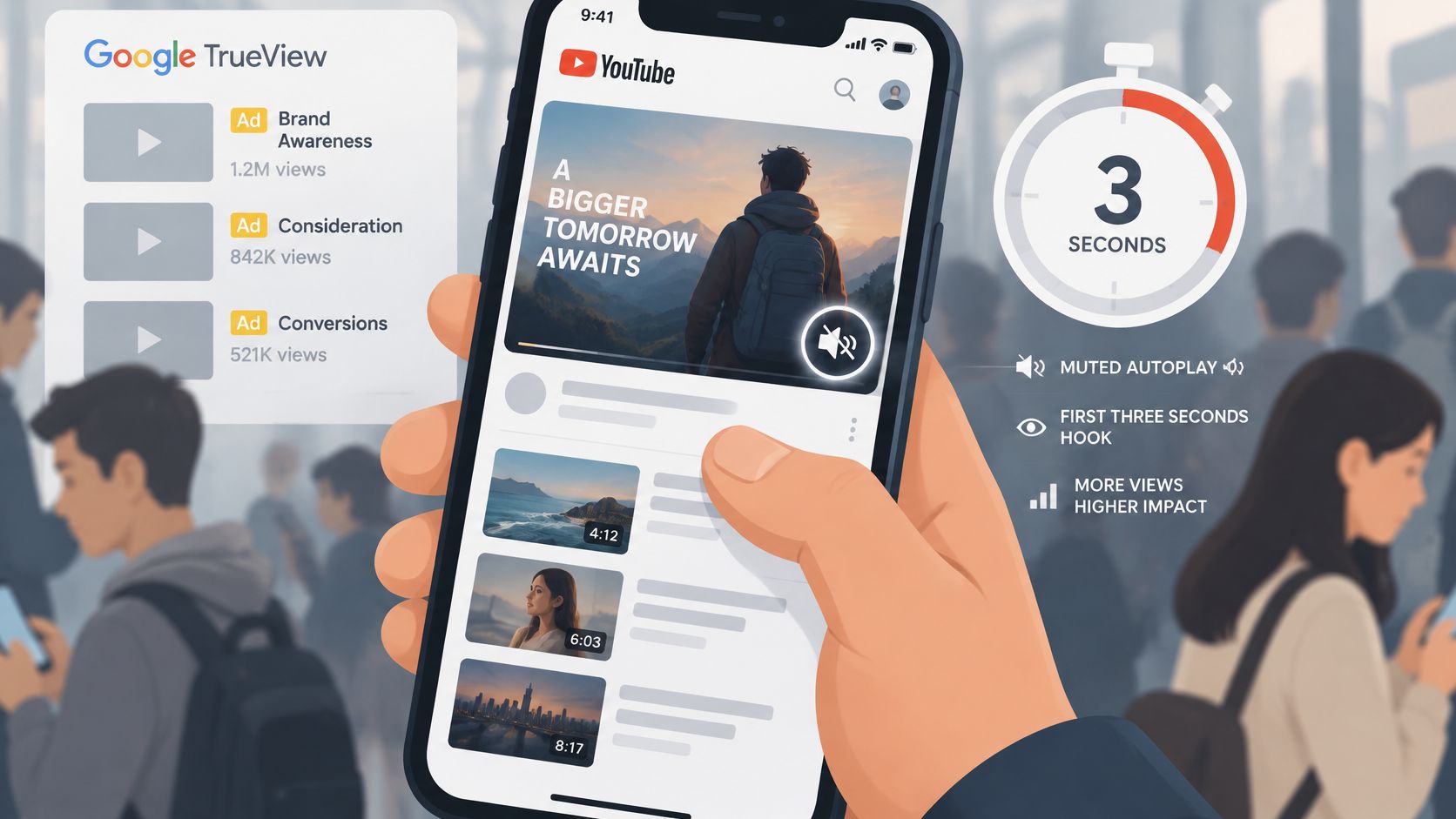
The timer shown on the phone marks the brief window in which the opening needs to register. Google's analysis of thousands of TrueView ads across 16 countries and 11 verticals found that placing the brand within the first five seconds was associated with higher ad recall and awareness lift, although it also made skipping more likely, according to Google's guide to ads that break through. The opening frame should identify the product quickly, then give the viewer a reason to stay.
Four hooks that survive a muted feed
A hook is the first frame a viewer can understand without context. Choose one clear entry point:
- A bold claim. State the change in plain words, such as “Your launch page, turned into a video.”
- A big number. Use a measured figure from your own product or page. Never invent one for the opening.
- The product in action. Show the dashboard, result or workflow already in motion.
- A sharp question. Name the pain in one line, such as “Still building launch videos by hand?”
For example, a project tool can open on its dashboard with the product name visible. The interface signals the category, while the name helps the viewer connect the promise to a product.
The five scenes with timings
- Hook, 0 to 3 seconds. Put the product name and promise over its interface, or lead with a clear claim.
- Problem, 3 to 5 seconds. State the pain the product removes in one sentence.
- Solution, 5 to 9 seconds. Show the product screen doing the job it promises.
- Proof, 9 to 12 seconds. Use a real screenshot or a measured number. Never invent a figure.
- Call to action, 12 to 15 seconds. Name the product and give the viewer a next step.
Each scene has one job, like a sentence in a short explanation. ShipTeaser renders this five-scene structure from a product page, using copy from that page.
The mistake that pushes proof out of frame
A problem scene that runs long can squeeze proof into the last few seconds and leave the call to action flashing by. Keep the pain to one sentence, then let the product screen show how the solution works.
Cut rule: if one scene repeats a point another scene already made, delete the repeat. Five scenes is a structure, not a quota.
For more guidance on making an opening clear at a glance, read this guide to building a three-second hook. For vertical crops, keep captions and the product name clear of platform overlays. Jem Social's Reels safe zone tips show where those overlays sit.
Teaser Video Types Compared by Purpose and Length
A teaser trades detail for attention. Choose the amount to reveal based on what viewers already know and what you want them to do next.
Teaser video types by purpose and length
| Teaser type | What it reveals | What it withholds | Typical length |
|---|---|---|---|
| Countdown teaser | Launch date and a countdown | Product name, category and features | 6 to 15 seconds |
| Mystery teaser | A visual hint or bold question | Product name and audience | 6 to 15 seconds |
| Feature teaser | One standout benefit in action | Full feature set and pricing | 15 to 30 seconds |
| Product preview teaser | Product name, interface, core promise and call to action | Full walkthrough | 15 seconds |
Use a countdown when your audience already knows the brand and needs a reminder. It gives viewers a date and a sense of motion, while holding back details about the product.
For an audience unfamiliar with the product, a mystery teaser can prompt curiosity with a visual hint or bold question. The trade-off is that viewers may click without understanding what you sell.
Once the product is available, focus on one benefit in action. A feature teaser gives viewers a concrete use case without trying to explain the full feature set or pricing.
On launch day, a product preview gives a stranger enough context to decide whether to visit: the product name, interface, core promise and next step. It withholds the full walkthrough, keeping the clip focused.
Length shapes how much information fits. A controlled mobile-feed study comparing 6-, 15- and 30-second native video ads found that 15 seconds was an appropriate duration before distraction increased, while shorter ads produced weaker information capture and memory, according to the Wiley mobile video advertising study. In practice, a shorter teaser can spark curiosity, while a longer one has room to explain more.
For examples of how these formats appear in launch campaigns, explore these product launch video examples.
How Teasers Fit Into a Product Launch Timeline
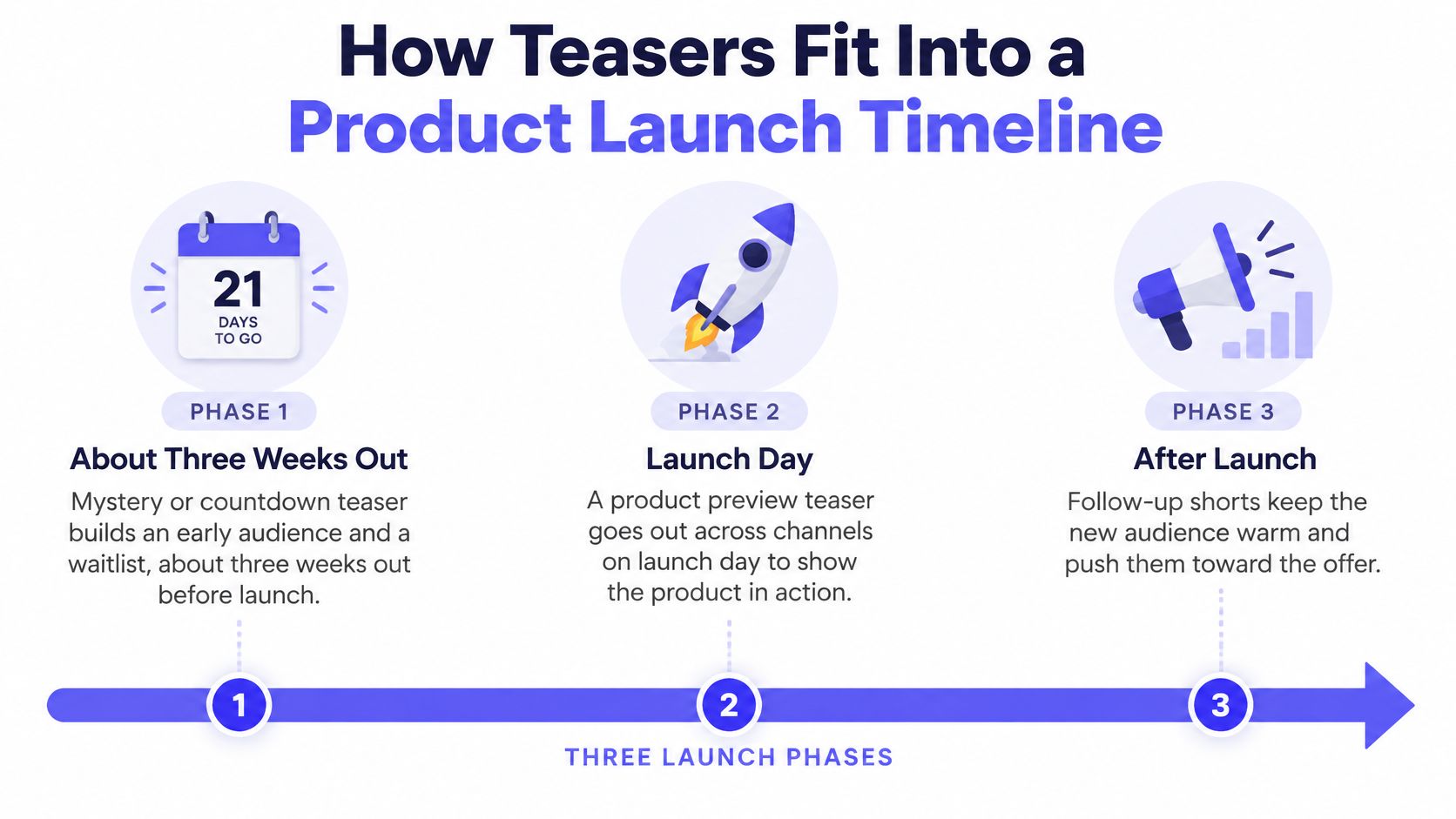
A teaser sequence gives each phase of a launch a distinct job. Start by giving people a reason to pay attention, reveal the product when it becomes available, then keep one benefit in view afterward.
Before launch, build the waitlist
Three weeks out, a mystery or countdown teaser can invite early followers to join the waitlist. Show enough to signal the product category and the problem it addresses, then point viewers to the list. Hold back the fuller explanation for launch day.
On launch day, show the product
Publish a product preview where your audience can find it, such as X, LinkedIn or Product Hunt. Name the product, show its interface and finish with a clear next step: visit the page, start a trial or join the launch.
After launch, keep one benefit in view
About a week later, a feature teaser can focus attention on one benefit. For example, a sequence might run from a mystery teaser three weeks before launch, to a product preview on launch day, to a feature teaser on day seven. Each clip gives people a new reason to consider the product.
The format of the video also affects how it appears in each feed. Vista Social's video specifications by social network list common ratios and recommended resolutions:
Export ratios for one master teaser
| Ratio | Feed type | Recommended resolution |
|---|---|---|
| 16:9 | Horizontal | 1920 x 1080 |
| 1:1 | Square | 1080 x 1080 |
| 9:16 | Portrait | 1080 x 1920 |
Use the ratio that fits the channel where the teaser will appear, and check that the product name and key message remain legible. The sequence's success is clearer when you track qualified visits alongside raw views; product launch metrics can help frame that measurement. If Reddit is part of the channel mix, read this Reddit marketing guide before posting, since a hard sell can clash with the community's expectations.
Teaser Mistakes That Kill Curiosity and Clicks
The most common mistake is the one founders defend hardest: a voice-over. Captions aren't a niche accommodation. 87% of surveyed U.S. viewers use them at least sometimes, nearly half use them always or often, and 42% prefer captions even when audio is clear, according to XR Global's captions research. If the message only exists in a voice track, most of the feed misses it.
- Relying on a voice-over. Put the claim on screen as short text and treat audio as optional. The clip has to make sense with the sound off.
- Showing a full demo instead of one promise. A walkthrough belongs on the landing page. Keep one benefit and cut the rest.
- Packing in every feature from the landing page. Choose the single strongest claim and drop secondary features. A 15-second clip has room for one message, not seven.
- Ending without a next step. Finish on the product name and the action to take, such as visiting the page or joining the waitlist.
- Posting once and leaving it. A teaser needs a timed sequence across the launch, from a mystery teaser weeks out to a feature teaser after launch day.
One message per clip. If you can't say what the teaser is about in one sentence, it isn't ready to post.
The fix for most of these is a deletion, not an addition. Remove the extra feature, the second claim and the slow logo reveal, then watch the clip again with the sound off.
Turn Your Landing Page Into a Teaser This Week
Can a stranger name your product and its promise after three seconds with the sound off? That is the test: reveal enough to make the offer clear, while saving the fuller explanation for the page.
- Choose one promise from the page. Pick a benefit a new viewer can understand quickly, not a list of features.
- Match the teaser to the launch moment. Use a product preview for launch day or a mystery teaser in the weeks before.
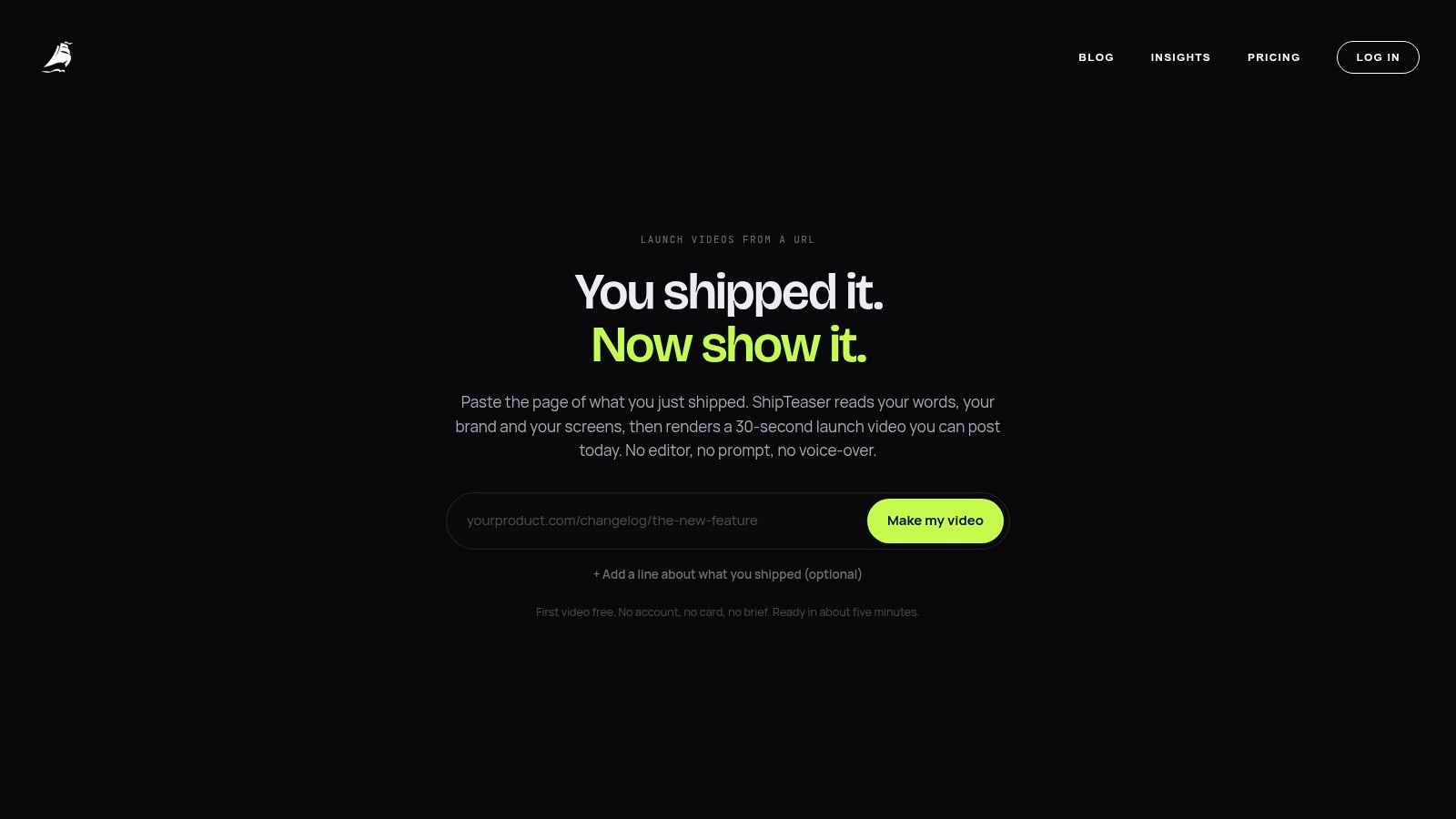
- Generate a first cut from the product page. ShipTeaser reads the page you paste, extracting its colors, headline and real screenshots. It creates a silent, 30-second, 1080p video with five scenes: hook, problem, solution, proof and call to action. The first video is free, requires no account or card, and is ready in about five minutes.
- Check the opening on mute. Make sure the product and its promise are clear in the first three seconds.
- Post the video and keep a copy. The finished MP4 is ready for X, LinkedIn, Product Hunt or a launch page. Download it for your own records.
Landing page copy supplies the message, so a clear page gives the teaser stronger material to work with. For guidance on improving the page itself, see the Otter A/B landing page guide. For the video handoff, read this guide to creating a landing page video.
A teaser is ready when its opening identifies the product and its promise, and its ending gives viewers a next step. Keep the rest for the landing page.
FAQ About Teaser Videos
Is a teaser video the same as a trailer?
They share a purpose: both introduce something and encourage people to keep watching. A teaser holds back more detail, while a trailer usually explains more of the story or product. For a launch, show enough that a stranger can name the product and its promise, then leave the fuller explanation to the landing page or demo.
How long should a teaser video be?
There is no single length for every teaser. A short clip can work well for a quick reveal; a longer launch video has room to show the problem, product and next step. Whatever the duration, test the opening with the sound off: can viewers identify the product and its promise in the first three seconds?
Does a teaser need sound?
No. The message should make sense through on-screen text and visuals, since people may encounter the video while muted. Music can add atmosphere, but the clip should not depend on a voice track to explain its main claim.
Can one teaser serve every platform?
A single video may need different crops for different placements. Check that the product name and call to action remain readable in each version, especially in a vertical crop where less of the frame is visible.
ShipTeaser's Studio plan costs $299 per month and includes 16 videos per month. Its launch videos are 30 seconds long. The first video is free, with no account or card required. A teaser earns attention by making the product and its promise clear, then leaving room for curiosity.