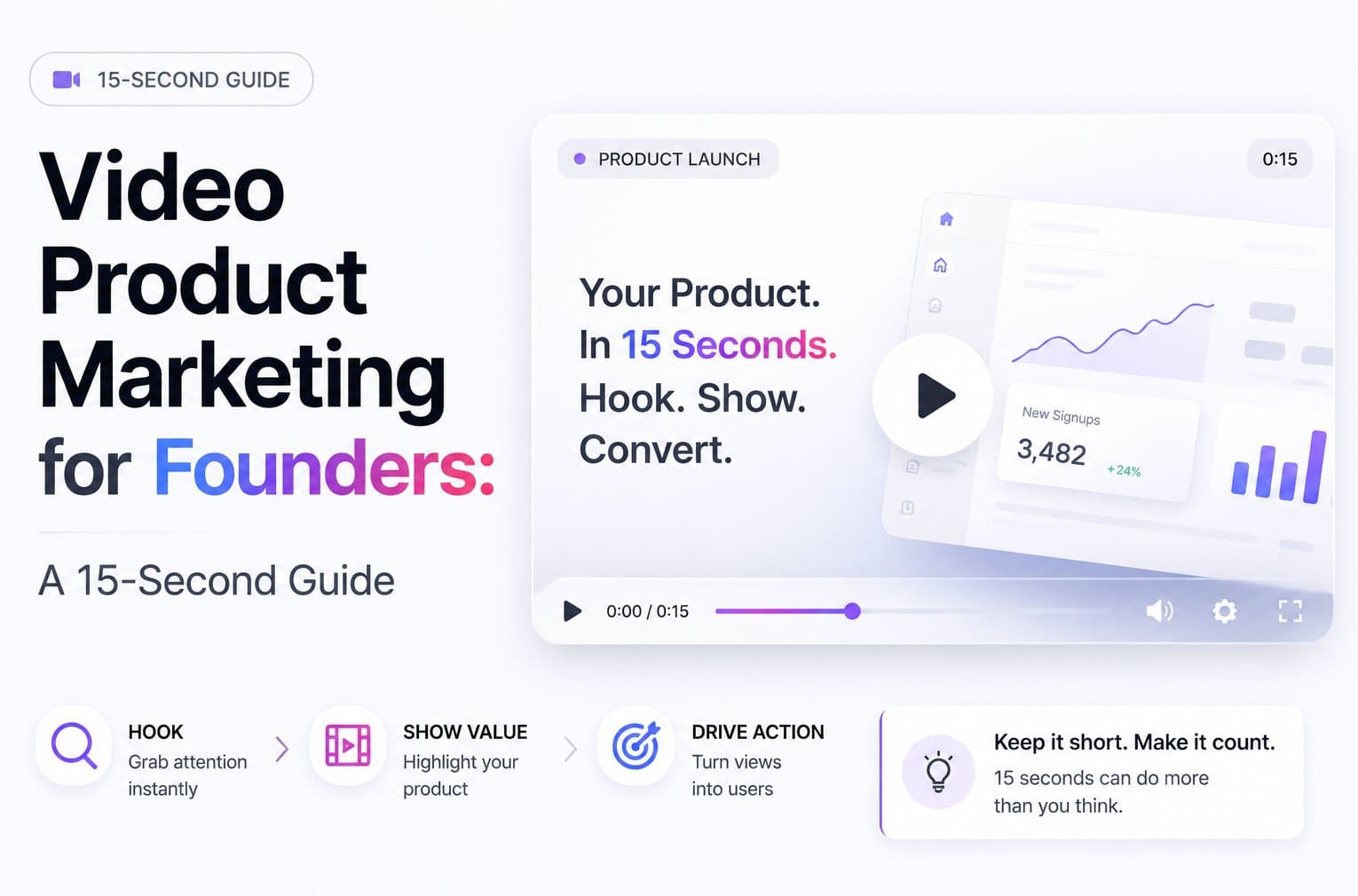
The product demo teaser pays back first for most early-stage teams because it shows the product, the result, and the next step in one short asset. ShipTeaser can turn a product URL into a ready-to-post 15-second teaser in about two minutes, so you can ship one this afternoon instead of planning a polished brand video for weeks.
The popular advice is to “make short videos.” That's incomplete. Video is now a standard marketing channel, with 91% of businesses using it, 93% calling it important to their strategy, and 82% of video marketers reporting good ROI, according to HubSpot's 2026 marketing statistics. The key decision is which short video to make first, and how to connect it to a measurable business result.
Why a 15-Second Teaser Beats a Polished Brand Video First
A polished brand video looks like progress. Early-stage founders often spend heavily on cinematic introductions before they know which promise makes prospects sign up. That's backwards. A brand reel can establish taste, but a product teaser can test message-market fit.
A short teaser gives you a faster feedback loop. You can put the actual product, feature, or launch promise in front of potential users and watch what they do next. If the message misses, rewrite the hook. If the product moment attracts attention but the CTA fails, fix the offer. You learn from behavior instead of debating creative preferences.
Founder rule: Don't fund brand polish before you've tested the product promise.
The economics favor repetition. A long production usually requires planning, filming, editing, review, and coordination. A URL-based teaser starts with the page you already maintain. That makes each new version easier to produce and gives you more chances to test the words that drive discovery, clicks, and signups.
Video also fits the channel. Global digital video ad spending exceeded $191.3 billion in 2024, according to Statista's digital video advertising data. Short video is no longer a side experiment reserved for large brands. It has established distribution, audience attention, and ongoing budget behind it.
For broader practical context, video marketing for small business offers useful guidance on choosing formats and building a manageable publishing process. Use that broader strategy to select channels, but keep the first asset narrow.
Start with the AI teaser video maker, not a brand reel. Ship one 15-second product teaser this week. Treat the response data as the brief for every larger video you make later.
How ShipTeaser Turns a URL Into a 15-Second Teaser in About Two Minutes
The workflow starts with the asset you already own, your product page. Paste the URL into ShipTeaser, and the system uses the page's messaging, screenshots, and visible brand cues to assemble a concise promotional sequence.
The output has a fixed structure:
- Hook: State the problem or promise immediately.
- Problem: Show the friction your audience recognizes.
- Solution: Present the product moment or primary action.
- Proof: Add one concrete reason to believe the claim.
- CTA: Tell the viewer exactly what to do next.
A 15-second runtime gives each scene roughly three seconds. That constraint helps. You can't cram the entire roadmap into the video, so you have to choose one use case, one result, and one next step.

Before you paste the URL, improve the page inputs. Write a punchy headline. Make the primary action obvious. Add one proof point that can survive as on-screen text. Weak landing-page copy produces weak teaser copy. The video won't rescue a vague product promise.
You can create a URL-to-video workflow without opening a timeline or learning manual editing. ShipTeaser produces a 15-second, 1080p, silent motion-graphics teaser with an optional music bed. Silent means there's no voice-over or narration, so the visual message has to stand on its own.
Choose the export ratio after reviewing the message:
- 9:16: Vertical distribution for mobile-first feeds and short-form video.
- 1:1: Square posts for feed placements.
- 16:9: Wide assets for landing pages and traditional video placements.
The first video is free, and no credit card is required. The dashboard shows the rendered scenes before you download the final asset. You're checking one thing, not chasing perfection: does the opening make the right buyer understand the product quickly?
The Five Videos That Pay for Themselves First
The product demo teaser comes first. It gives a founder the clearest path from attention to trial or signup because every scene supports the same action.
The ranking below uses a practical test: can one primary KPI show whether the asset created business value within 14 days? Video ROI should be tied to one objective, one or two KPIs, and the full production cost, rather than inferred from views alone, as explained in this video ROI measurement workflow.
| Rank | Teaser Format | Scene 1 | Scene 3 | Primary KPI | Payback Window |
|---|---|---|---|---|---|
| 1 | Product demo teaser | “Turn scattered launch notes into one plan” | Show the primary product action and result | Attributable signups | Within 14 days |
| 2 | Feature-launch teaser | “You can now automate this step” | Display the new feature in use | Feature-related activation | Within 14 days |
| 3 | Testimonial teaser | Show the customer's strongest outcome | Pair the claim with the relevant product screen | Qualified demo requests | Within 14 days |
| 4 | Offer teaser | Present the limited launch offer | Show the offer or code slide | Paid conversions | Within 14 days |
| 5 | Founder story teaser | Name the painful problem | Reveal why the product was built | Qualified landing-page visits | Within 14 days |
1. Product demo teaser
Use five visible assets: the dashboard, the primary action, the result, one proof point, and a free-trial CTA. For a startup planning product launches, the sequence could open with a messy launch task, show the founder creating a plan, display the organized output, add one verified product-page claim, and end with “Start free.”
This is the first video to ship because the viewer sees the product doing useful work. Track attributable signups. If people click but don't register, the landing page deserves attention before you produce another cut.
2. Feature-launch teaser
A feature teaser works when the update solves a known complaint. Use one hook line, one screen or motion card for each major benefit, then show the signup or activation path. Don't list every change. Pick the feature that removes the most obvious obstacle.
Track feature-related activation. A view isn't proof that the launch landed. Activation is.
3. Testimonial teaser
Use a real customer line only if you have permission to publish it. Place the strongest outcome first, support it with the product moment that created that outcome, then finish with a direct CTA. Keep the quote short enough to read without narration.
Track qualified demo requests or another direct sales action. Testimonials build confidence, but they need a visible next step.
4. Offer teaser
An offer teaser earns its place when you have a specific reason to act now. Show the offer in the hook, present the product value, display the code or terms clearly, and repeat the CTA at the end. Don't hide the condition in tiny text.
Track paid conversions. Use the format for a launch promotion, not as a permanent substitute for product positioning.
5. Founder story teaser
The founder story belongs fifth because it usually builds context before it creates direct demand. Lead with a problem your audience recognizes, show the product's connection to that problem, and end with an invitation to try it.
Track qualified landing-page visits. A story can earn attention, but the page must convert that attention into a product action.
For financial discipline, pair every format with budgeting with reliable metrics. My recommendation is blunt: ship the product demo first, then use the next four formats only after the core promise has produced a signal.
Where to Post Each Ratio for the Strongest Distribution
Exporting several ratios is useful only when each version has a job. Don't resize blindly and paste the same caption everywhere. Keep the footage consistent, but adapt the framing, opening text, and CTA to the channel.
Use this distribution setup:
- 9:16 vertical: Post to X and YouTube Shorts. Put the hook on screen during the first three seconds. Show the payoff frame at the seventh second, then leave enough time for the CTA.
- 4:5 stop-frame: Use this crop for LinkedIn feeds when you need more vertical presence without going fully mobile-screen tall. Keep the product action centered.
- 1:1 square: Use it for Product Hunt hero updates and feed posts where a square preview gives the product enough room to read.
- 16:9 wide: Place it on a landing page, in a launch deck, or anywhere the page layout expects a horizontal asset.
Captions matter because many viewers encounter social video with sound muted. A widely cited Facebook finding says videos are watched without sound in almost 85% of cases, and captions have been reported to improve view time by 12%, as summarized by BlueText's silent-video caption guidance. ShipTeaser teasers are silent by design, so write every important claim on screen. Use large, concise text. Don't rely on a music bed to carry meaning.
Use one CTA per post. “Start free,” “Join the waitlist,” and “Watch the demo” are different actions. Choose one. If a platform doesn't support clickable captions, direct viewers to the link in your bio.
For a practical look at adapting video formats to a specific social channel, see video format guidance for Instagram. Repost the same teaser to a second channel 72 hours later, but rewrite the caption around that channel's audience. Re-uploading identical footage with identical copy wastes a second distribution opportunity.
Building a Weekly Teaser Cadence on a Solo Founder Budget
A solo founder doesn't need a daily production operation. You need a fixed rhythm that turns one product URL into several distribution moments.
Monday and Tuesday
Monday, choose the URL. It could be a homepage, a new feature page, or a focused signup page. Write one hook that names the user problem or product result.
Tuesday, run ShipTeaser and export 16:9, 1:1, and 9:16. Review the hook, product moment, proof, and CTA. Fix the page copy if the generated message feels vague.

Wednesday through Friday
Wednesday, post the vertical version to X and YouTube Shorts. Use the strongest hook as the caption opening.
Thursday, resurface the teaser on LinkedIn with a rewritten caption. Send it to a relevant newsletter or founder community only if the post answers a real audience question.
Friday, review clicks and signups. Pick next week's URL based on the weakest point in the funnel. If the product gets attention but no action, change the message or CTA. If the page gets clicks but no signup, fix the page.
The plans support different output levels:
- $99 per month: One video per week, suitable for a single launch or product line.
- $149 per month: Two videos per week, allowing a second Friday variant for another audience or campaign angle.
- $199 per month: Four videos per week, useful when parallel launches need separate teasers.
The operating principle is simple. Cadence beats quality at this stage. Use the video content workflow for startups to keep production tied to launches, not busywork. Ship first. Polish later.
Measuring Teaser ROI Without a Spreadsheet Headache
You don't need a complex dashboard for the first decision. Track three signals per post: attention, conversion, and cost.
Attention is link clicks during the first 48 hours. This tells you whether the hook and CTA created enough interest to move someone off the feed.
Conversion is attributable signups within 14 days. Use a tagged link or a clearly named campaign so the signup has a traceable source.
Cost is the teaser's production cost divided by attributable signups. Include the plan cost or your production time. A proper workflow defines the business objective first, maps it to one or two KPIs, and tracks full production cost alongside downstream outcomes, as outlined in form ROI benchmarks for growth teams.

Read the result in order:
- Clicks are weak: Rewrite the first three seconds or sharpen the promise.
- Clicks are strong but signups are weak: Fix the landing page, offer, or CTA.
- Signups are attributable: Keep the winning hook and test one variable next.
The payback rule is straightforward. One paying customer recovers the $99 tier, two customers beat the $149 tier, and three clear the $199 tier, provided the result happens within the two-week measurement window.
Don't optimize for raw views or likes first. Those numbers can show distribution, but they don't prove revenue or lead quality. Ask one question every Friday: Did this teaser produce a better business signal than the last one, and what single change should the next teaser test?
FAQ
What if I don't have footage, editing skills, or a large marketing budget?
Start with the product page. ShipTeaser takes a product URL and creates a 15-second, 1080p silent motion-graphics teaser using the page's copy, screenshots, and visible brand cues. There are no cameras, actors, voice-over, narration, timeline editor, screen recording, stock footage, or prompt-based text-to-video workflow involved. The fastest first version has one focused promise, one product action, one proof point, and one CTA.
How long should a teaser actually be?
Treat 15 seconds as the target, not an unbreakable rule. Short-form video is commonly defined from 5 to 90 seconds, while current industry summaries often place effective examples between 15 and 60 seconds, according to short-form video length guidance. Build four beats: show the problem, reveal the product, show one useful result, and end with a specific next step.
Use 9:16 for vertical short-form posts, 1:1 for square feed placements, and 16:9 for websites, decks, and wide video placements. ShipTeaser exports all three ratios from the same teaser workflow.
When should I replace a teaser or change the CTA?
Judge the first version after 7 to 14 days, not after a handful of impressions. Track qualified visits, trial starts, demo requests, or purchases against views and clicks. If attention is strong but clicks are weak, simplify the promise and make the next step visible. If clicks are strong but signups are weak, fix the landing page or offer instead of editing the video again.
Keep the winning hook and test one variable at a time. Change the CTA only when the observed behavior supports that decision.
ShipTeaser turns a product URL into a ready-to-post 15-second teaser in about two minutes, with 1080p output, silent motion graphics, optional music, and 16:9, 1:1, and 9:16 exports. Start with the free first video and no credit card, then visit ShipTeaser to ship the product demo teaser your next launch needs.