A 15-second teaser video, a waitlist email sequence, and a Product Hunt launch kit are the core product launch content for a software product, and a solo founder should build them in that order. ShipTeaser turns a product URL into a silent, 1080p teaser in about 2 minutes, giving the other launch assets a shared message and visual starting point.
A founder posts a polished video on launch day, gets a handful of likes, and blames the product. Often the missing piece isn't the product. It's the assets around it: the posts that build familiarity, the emails that bring interested people back, and the launch page that gives visitors a clear next step.
Start build-in-public posts four weeks before launch, then add the remaining assets as the date approaches. A launch marketing plan for startups can help organize the work, but a solo builder doesn't need a giant campaign. The useful move is to make one clear product story, then adapt it for each channel.
1. Build-in-Public Launch Thread
You ship a feature change and have a screenshot ready. That is enough for a progress update. Keep this thread first in the posting order, but build the ShipTeaser teaser first so the thread and later assets share a visual spine.
Use work you already have: a feature you changed, a bug you fixed, or a product decision you tested. Share revenue or traffic only if you are comfortable disclosing it. Private numbers can stay private. A screenshot of the change gives readers something concrete to assess.
Post three times per week for four weeks before launch. Give each post one update, attach evidence where available, and end with a focused question readers can answer. Ask which feature they would prioritize, for example. Attach the teaser to the opening post and keep subsequent updates in the same thread so readers can follow progress.
Keep it honest: Show what changed. A specific update with visible evidence earns more trust than an unsupported claim.
Keep the same problem sentence in the thread and teaser.
Reserve the why-I-built-it story for the origin post. This thread needs a repeatable cadence and readable sequence, not a fresh narrative for every update. Use ShipTeaser's guide to launching on X to organize the posts. Skip updates that require more production work than the change itself.

2. Founder Origin Story Post
A missed file, a broken handoff, a workaround that failed again. Your origin post starts with the incident that made building the product worth the effort. Name the task, the tool category, and the frustration. Keep the founder biography out unless it explains that decision.
For example, a founder might describe arriving at a meeting without the files they needed, then struggling to retrieve them. The useful detail is where the workaround failed. Explain what you tried, why it fell short, and what you built to address that specific problem. Use your own experience, with details you can stand behind.
Keep the post under 200 words, ending with one plain sentence about what the product does.
Publish it once during the prelaunch run, after the opening build-in-public post. Give it a separate place in the posting order so readers can find the reason behind the product without digging through progress updates. Skip repeated versions unless the story changes.
Use the problem scene in your ShipTeaser-built teaser as the shared reference. A reader seeing the origin in a social post and the video on a landing page should recognize the same promise.
Tell the story you can support with details. Skip invented drama and unsupported claims about how many people share the problem.
Save the clearest problem sentence for reuse in the landing-page headline, email subject line, and launch-thread opening. Adapt the wording to each placement while keeping the meaning intact.
3. 15-Second Teaser Video
Build this asset first, even though it appears third in the posting order. A solo founder can reuse its message and visuals across the other nine launch assets instead of producing each from scratch.
A 2025 survey found that 78% of people would most like to learn about a product or service through a short video, compared with 9% who preferred text-based articles and 5% who preferred ebooks (HubSpot's report on video marketing statistics).
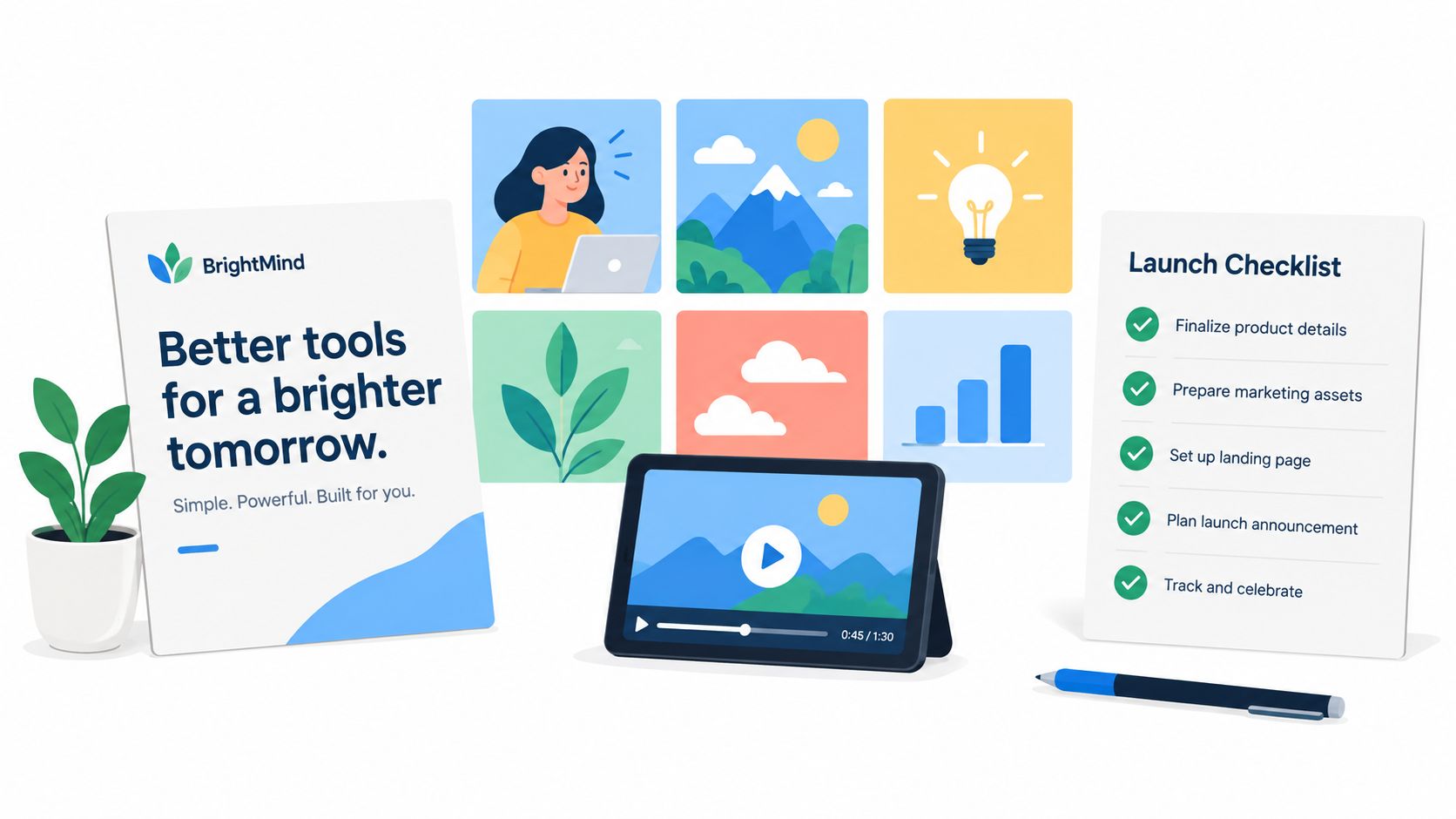
ShipTeaser turns a pasted product URL into a 15-second, 1080p, silent motion-graphics teaser in about 2 minutes. Its five scenes cover hook, problem, solution, proof, and CTA. There's no voice-over; an optional music bed is available.
Give the clip one job. Lead with your strongest supported claim, show the problem and solution, and finish with a clear next step. Skip the feature inventory and roadmap. The trade-off is detail: save explanations that need more time for the demo.
Post the teaser during prelaunch, after the origin post, then reuse it on launch day. Keep the core cut consistent so the thread, emails, and social assets reinforce the same promise.
ShipTeaser outputs 16:9, 1:1, and 9:16 versions for website, feed, and vertical placements. These are core formats for cross-device distribution (Google Ads' guide to video asset specifications). See ShipTeaser's SaaS launch video use case for software-focused examples. The first video is free, with no credit card required.
4. Landing Page Proof Section
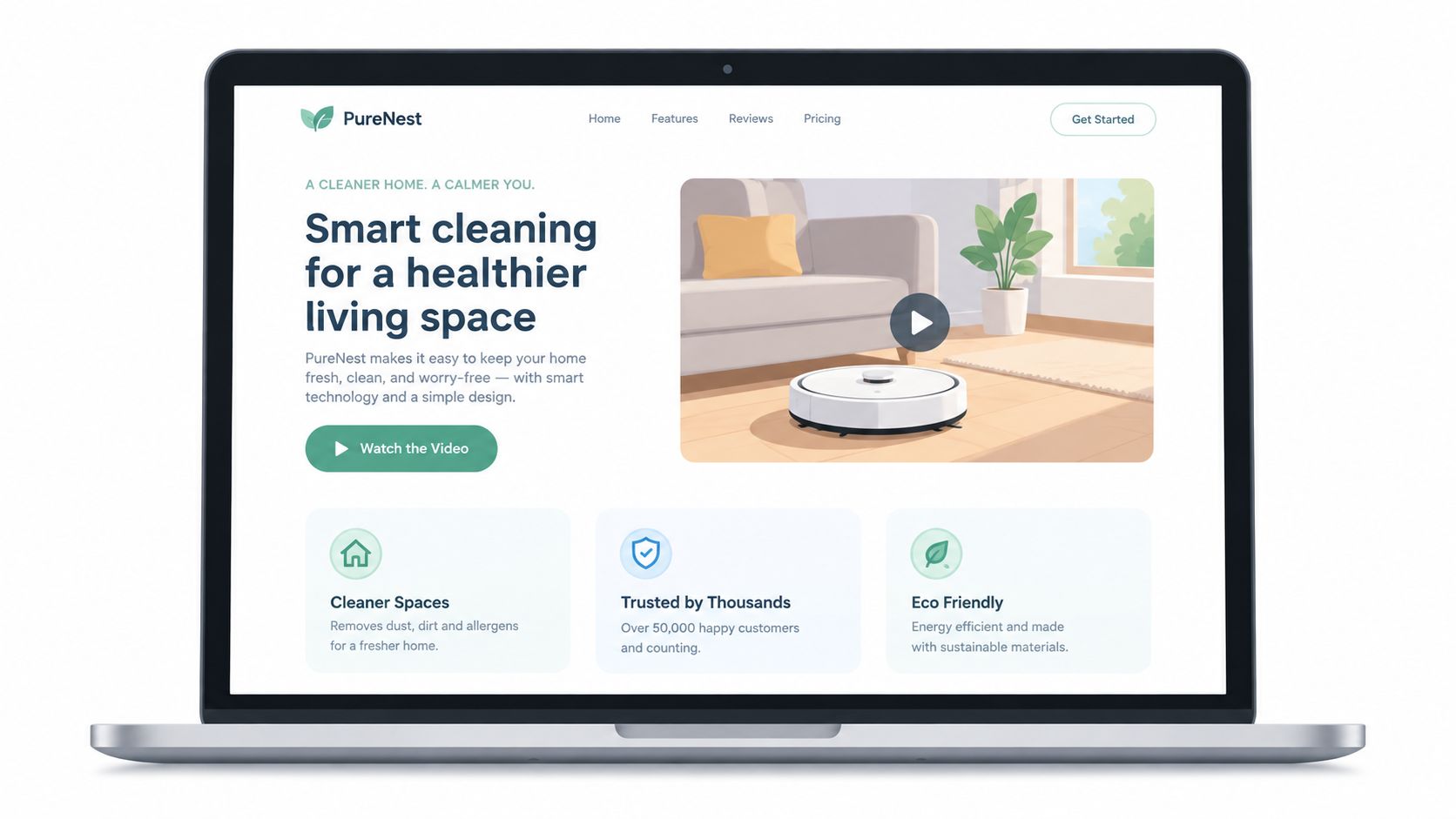
A launch page shouldn't make visitors hunt for the explanation. Put the teaser near the headline, then show real proof directly below it. Proof can be a quote from a beta user, a specific before-and-after, or a clear description of the outcome the product is designed to produce.
Keep the headline consistent with the teaser's opening line. If the video says the product solves one problem and the page emphasizes another, visitors have to work out which message to trust. Clear landing-page copy and recognizable brand cues also give ShipTeaser useful source material when generating the teaser from the page.
If you don't have customer metrics yet, don't manufacture them. Describe the intended outcome without presenting it as a proven result. Add user quotes only with permission, and keep every claim traceable to something you can substantiate.
Check the page on mobile, where visitors may see the vertical cut. Make sure the video doesn't push the sign-up action too far down, and confirm that text remains readable around the embedded asset. A practical guide to deciding whether your blog is ready to launch can also prompt a useful review of the supporting page content.
5. Short Product Demo Video
Build the teaser first. At this fifth asset, record the workflow a viewer will try after clicking through. Start from a fresh account to keep personal details out of the recording. Show the input, the key step, and the first useful outcome, then stop.
For a solo founder, one finished workflow is more useful than a tour of every menu. Choose the workflow promised in your ShipTeaser-built teaser and reuse its wording in the demo's opening caption. Skip settings and secondary features unless they are needed to reach the result.
Keep the walkthrough to 60 to 90 seconds.
Record the screen separately, adding narration or captions outside ShipTeaser where the action needs explanation. ShipTeaser produces the short silent teaser; screen capture and narration require separate production. Favor readable text and a clean recording over elaborate edits.
Publish the demo once at launch, then update it when the featured workflow changes. Link it from the teaser's end-card destination or the first comment on your launch post. Keep that destination stable so you can replace an outdated recording without changing every asset that points to it.
6. Waitlist Launch Email Sequence
A waitlist isn't useful just because names are sitting in a spreadsheet. Send a short sequence that moves subscribers from interest to their first use. The teaser belongs in the first email, with a still frame and a link to a hosted video page for inboxes that block embedded playback.
Use each message for one job. The first email can remind subscribers what problem the product solves. The next can share a useful detail or product preview. The launch-day email should give a direct link to the product, with one clear action.
Keep each email under 150 words and use one link. Send the launch-day message in the morning in your main audience's time zone. A concise sequence is easier to maintain than a long campaign that repeats the same announcement.
For practical examples and copy guidance, see ShipTeaser's launch email guide. Keep the writing consistent with the teaser and landing page. If the video promises one outcome but the email leads with a different feature, the sequence feels stitched together rather than planned.
7. Product Hunt Launch Kit
Build this kit seventh, after the teaser and core launch assets are ready. Prepare the listing before notifications arrive: tagline, short description, gallery images and video, maker comment, and answers to likely questions. Reuse the positioning you've already settled instead of drafting another product story.
The maker comment should explain the problem, why you built the product, and the feedback you want. Name the intended user. Ask for feedback on a specific workflow so you have something useful to respond to.
Put the ShipTeaser-built teaser in the launch-day gallery. It should be the shared spine of your launch, saving you a separate video edit for this placement. ShipTeaser's launch video use case provides a starting point for that asset.
Publish the prepared kit when the listing goes live, then check the page every 30 minutes during the first 6 hours. For a solo founder, those checks are response windows: answer questions, collect repeated objections, then return to product work. Keep draft replies for setup, pricing, audience, and the feedback you need. Update an unclear answer rather than reposting the announcement.
A launch kit is a response plan, too. Prepare enough to stay useful without spending launch day refreshing the page.
8. Social Image Carousel
A reader scrolling with video off still needs to see what your product does. The carousel earns its eighth-place slot by making the ShipTeaser-built teaser readable at a glance. Ship the teaser first, then reuse its screenshots, wording, and brand colors rather than designing another launch identity.
Build 5 to 7 slides from real product screenshots. Keep each slide to one idea and under 12 words. Put the problem on the first slide, not a logo. Crop each screenshot around the action that matters, and keep labels large enough to read on a phone.
Use the swipe sequence to show a workflow in detail. For a professional feed, show the repeated task, highlight the relevant control, then show what changes after using it. Finish with the sign-up link. Each swipe should reveal something the previous slide could not show clearly.
Post the carousel alongside the teaser, then reuse it when a launch follow-up needs a visual explanation.
Skip the feature inventory. More slides mean more editing for a solo founder and more reading for the audience. If a screenshot needs a paragraph to explain it, simplify the crop or leave that detail on the landing page.
9. Early User Case Study
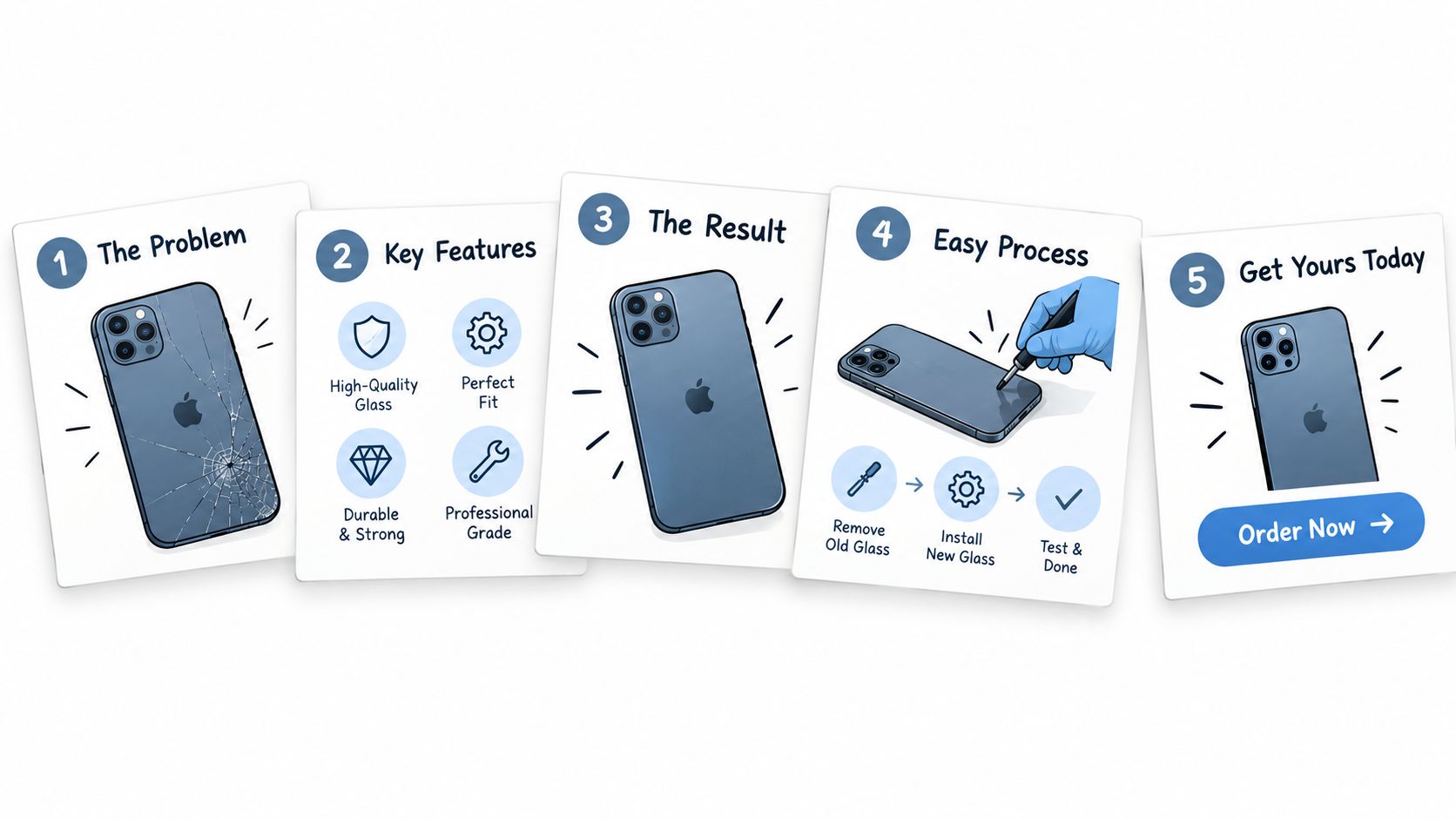
A case study becomes valuable when a real user can describe a real result. Start with the person's problem, explain how they used the product, and capture the outcome in their own words. Ask permission to name the user and quote them, then send the draft for approval before publishing.
If an early user says the product helped them finish a task faster, ask what changed in their workflow. Don't turn a loose comment into a measured result. A specific account of what the person did and why it helped is stronger than a dramatic claim you can't verify.
Use the approved outcome in the landing-page proof section and, if it fits, the teaser's proof scene. Keep the original meaning intact. A short video line shouldn't imply that one user's experience is typical of every customer.
A short written story can also supply material for later launch content. Make the user's problem the lead, describe the product action that mattered, and close with the result they approved. If you don't have a customer story yet, wait. An honest product explanation beats invented social proof.
10. Public Changelog and Launch Release Notes
Keep the changelog tenth in your launch-asset queue. Make the ShipTeaser-built teaser first, then reuse its product story here. Publish dated release notes on launch day so early users can see what shipped and what changed. A simple page is enough for a solo founder.
Write each entry around the user benefit. Explain what someone can now do, which friction you removed, or what you fixed. Keep planned work separate from shipped changes so readers can distinguish a commitment from an available feature.
Add at least three genuine entries before launch, using changes that already shipped.
Then choose a cadence you can sustain, such as every Friday. Use that update slot to record shipped changes and check whether the shared teaser still reflects the product. Skip elaborate page design and avoid padding the changelog to meet a schedule.
When a visible change ships, generate a short teaser from the updated page using ShipTeaser, keeping the original problem line and brand cues. Embed it beside the dated entry. The note explains the change; the reused visual story helps users recognize why it matters.
10 Product Launch Content Formats Compared
| Launch asset or tactic | 🔄 Implementation complexity | ⚡ Resource requirements | 📊 Expected outcome | ⭐ Key advantage | 💡 Best use case |
|---|---|---|---|---|---|
| Build-in-Public Launch Thread | Medium; requires regular updates | Ongoing founder time; screenshots or clips | Builds an audience and engagement before launch | Creates a steady stream of authentic content | Solo builders with visible progress to share |
| Founder Origin Story Post | Low; requires focused writing | Writing time; a specific, relevant story | Makes the product memorable and relatable | Builds an emotional connection without paid promotion | Explaining a clear problem that motivated the product |
| 15-Second Teaser Video | Low; can be generated from a product URL | Product URL; minimal production effort | Quickly communicates the problem, solution, and call to action | Fast to produce and reuse across channels | Launch feeds and landing pages, especially for products easy to show visually |
| Landing Page Proof Section | Medium; requires page edits and credible proof | Landing-page access; real quotes or outcomes | Clarifies value and supports visitor conversion | Connects the teaser to concrete evidence and a clear action | Improving a launch page without a full redesign |
| Short Product Demo Video (60–90 seconds) | Medium to high; scripting and recording required | Screen recorder; clean account; sample data; optional narration | Shows a real workflow and builds buyer confidence | Demonstrates product functionality in depth | Products needing more explanation or proof than a teaser allows |
| Waitlist Launch Email Sequence | Low to medium; requires writing and scheduling | Existing email list; email platform; teaser asset | Converts waitlist interest into early usage | Provides a direct, low-cost launch audience | Launches with an established waitlist |
| Product Hunt Launch Kit | Medium; assets and replies need advance preparation | Tagline, copy, video, screenshots, founder time | Supports a coordinated and responsive launch day | Keeps launch materials consistent and speeds up replies | Founders planning a Product Hunt launch |
| Social Image Carousel | Low to medium; requires slide design | Screenshots, copy, design tool | Explains the product in a swipeable social post | Easy to produce, share, and repurpose | LinkedIn or Instagram audiences; products suited to visual slides |
| Early User Case Study | Medium; depends on user participation and approval | An early user; permission; verified outcome | Provides credible evidence of customer value | Reusable proof for landing pages, email, and social posts | Products with early users who can share measurable results |
| Public Changelog and Launch Release Notes | Low per update; requires ongoing maintenance | Public page; regular product updates | Signals product activity and sustains post-launch interest | Turns shipped improvements into ongoing content | Products with a continuing release cadence |
Ship the Teaser First, Then Build Outward
The easiest way to make launch content feel coherent is to choose one clear promise and reuse it. Start with the teaser, then write the waitlist emails and Product Hunt kit around the same problem, solution, and next step. That doesn't mean pasting identical copy everywhere. It means adapting the story without changing what the product is supposed to do.
The order matters because each asset gives the next one something concrete to build on. The teaser makes the message visible. The landing page gives visitors somewhere to act. The email sequence brings interested people back. The Product Hunt kit gives launch-day visitors a consistent explanation and a prepared response from the founder.
Start the build-in-public thread four weeks before launch. Add the founder story while you're shaping the positioning, then publish the demo when visitors need more detail than the teaser can offer. A carousel gives the message another feed-friendly format. A case study should wait until a real user has approved the story. The changelog should reflect actual shipped work, not launch promises.
Measure the job each asset is meant to do. Wyzowl's 2025 survey reported that 89% of businesses used video as a marketing tool, 95% of video marketers considered it important to their overall strategy, and 93% reported a positive return on investment (HubSpot's summary of the survey). Those figures show broad adoption and reported value, but they don't prove that every teaser will work. Track what happens after someone sees yours: clicks, signups, and whether new users reach the product's first useful moment.
ShipTeaser's first video is free with no credit card. Paid plans are $99 per month for one video per week, $149 for two per week, or $199 for four per week. Choose a cadence you can use, and reuse the teaser across launch channels rather than making a new video for every post. A practical approach to repurposing videos across content channels can help turn one well-aimed asset into a repeatable workflow.
The point isn't to produce ten assets before you've learned what resonates. Make the core video, then build the launch set around real questions from your audience. Keep the message consistent, use proof only when it's true, and keep publishing after launch day.
ShipTeaser turns a product URL into a silent, 15-second, 1080p motion-graphics teaser in about 2 minutes, ready to reuse across your launch channels. Try your first video free with no credit card by visiting ShipTeaser.