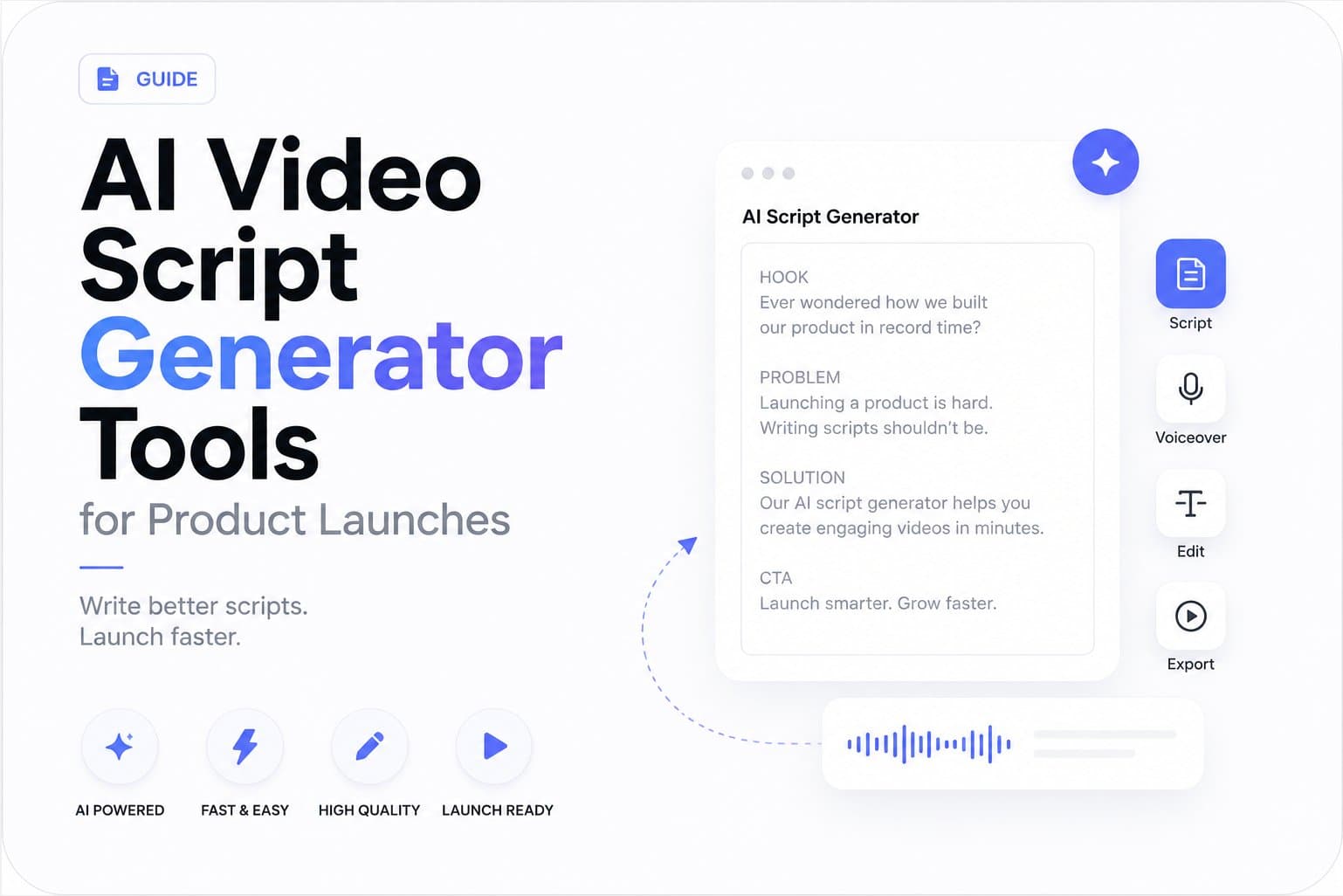
The popular advice is simple: give an AI video script generator a topic, audience, tone, and call to action, then polish whatever comes back. That workflow works for generic explainers. It often breaks product launches.
A launch teaser has to compress a specific product promise into a few seconds without inventing proof, flattening the brand, or sounding like every other startup announcement. The difficult part isn't arranging a hook, body, and CTA. It's finding the credible angle inside the landing page, then turning that angle into a script that can survive human review and real distribution.
That distinction matters as AI video moves into routine marketing workflows. The right tool isn't necessarily the one with the longest feature list. It's the one that can extract useful source material, expose uncertainty, and help a team produce concise variations without losing the product's identity.
Why Most AI Script Generators Fail Product Launches
Most AI script generators solve a prompt-to-draft problem. Product launches present a source-to-angle problem.
A prompt such as “write a short teaser for a project management app” gives the model a category, but not a defensible reason to care. The resulting script may mention productivity, collaboration, and faster work. Those ideas sound polished, yet they could describe hundreds of products. A founder can publish the script and still leave viewers unable to explain what makes the product different.
Launch teams need tighter compression. A short teaser has to identify the audience, surface a real pain point, state a recognizable product benefit, and end with a next step. It also has to do that without turning the landing page into a list of features. The central editorial decision is which promise deserves the limited attention available.
Practical rule: If the script could promote a competitor after changing the product name, the generator hasn't found the angle.
The prompt-first limitation
Prompt engineering can improve structure, pacing, and tone, but it makes the user responsible for supplying the raw material. That creates a hidden workload. Someone must read the landing page, decide which claims matter, separate proof from aspiration, and translate brand language into a concise brief before generation begins.
That process is especially fragile for early-stage teams. Landing pages often contain multiple audiences, incomplete positioning, screenshots, feature sections, and calls to action that don't all belong in one video. A generic generator can reorder those ingredients, but it won't reliably know which message has the strongest commercial relevance unless the operator supplies that judgment.
This is why launch videos fail for reasons beyond editing. A technically clean video can still underperform as a launch asset if the script hides the product's actual distinction.
What launch-ready extraction requires
A URL-first workflow should inspect more than the headline. It needs to identify:
- The product promise: What outcome does the page repeatedly offer?
- The intended buyer: Who appears in the copy, examples, or use cases?
- The mechanism: How does the product deliver that outcome?
- The evidence: Which claims are directly supported by visible page content?
- The visual language: Which colors, screenshots, and design cues should carry into the teaser?
The tool still needs a human editor. URL ingestion doesn't eliminate judgment, and it can introduce its own errors when a page contains ambiguous claims or marketing language. But it moves the first draft closer to the actual source, which is more useful than asking a model to improvise a product story from a category label.
The AI Video Generator Market in 2026
The commercial market helps explain why so many AI video workflows now target marketers rather than only filmmakers or hobbyists. Fortune Business Insights values the global AI video generator market at USD 716.8 million in 2025 and projects it to reach USD 3.35 billion by 2034, with an 18.8% CAGR across the forecast period. The same source reports that North America represented 41.0% of the market in 2025, and places the 2026 estimate at USD 847 million. See the Fortune Business Insights AI video generator market analysis for the underlying figures.
A separate estimate puts the market at USD 788.5 million in 2025 and forecasts USD 3.44 billion by 2033, implying a 20.3% CAGR. It identifies marketing as a meaningful segment worth USD 213.4 million in 2025, with that segment projected to reach USD 869.7 million by 2033. Those estimates differ in methodology and scope, so they shouldn't be treated as a single precise market total. They do point in the same direction, promotional video is a central demand driver, not a peripheral use case. The detailed Grand View Research market report also says cloud deployment held 78.4% of revenue share in 2025.

What the growth means for buyers
Market expansion creates opportunity, but it also creates noise. More tools can mean faster experimentation, while specialization becomes harder to judge from feature pages alone. A platform may offer avatars, templates, captions, and editing controls yet still produce weak launch copy if it can't identify the product's concrete reason to exist.
For founders and marketers, the more useful question is whether the workflow supports repeatable production. A subscription model makes sense when a team has a steady stream of launches, feature updates, or campaign variations. It makes less sense when the tool requires extensive manual correction for every output.
Independent survey data reinforces the shift from experimentation toward production. Thirty-nine percent of organizations report using video generative AI in production, while among respondents evaluating model providers, Google leads video model adoption at 69%, according to Artificial Analysis survey data. For a URL-driven teaser workflow, that suggests operational fit matters more than novelty. Clear inputs, dependable extraction, brand consistency, and review controls are becoming practical requirements.
The market is growing quickly, but growth doesn't guarantee quality. Buyers should test the generated script against the source page, inspect whether claims remain accurate, and assess whether the final asset sounds like the company rather than an interchangeable content template.
Comparing AI Video Script Generator Tools
A useful comparison starts with the input model, not the size of the feature list. Prompt-based systems give you broad creative control, while URL-first systems reduce briefing work by using the landing page as the starting context. Hybrid workflows can offer both, but they still need clear review rules.
| Tool | Input Method | Output Length | Brand Extraction | Best For |
|---|---|---|---|---|
| General prompt-based generator | Written prompt, notes, or outline | User-defined | Depends on supplied examples and instructions | Brainstorming hooks and drafting flexible concepts |
| Template-led script generator | Form fields, topic, tone, and format | Preset or adjustable | Usually manual | Repeatable educational and social formats |
| Video-suite script workflow | Prompt or notes inside a broader video editor | Format-dependent | Brand settings and user guidance | Teams that want scripting and production in one workspace |
| URL-first teaser generator | Product landing page URL | Fixed short teaser format | Extracts page copy, screenshots, and visible brand cues | Product launches and recurring promotional assets |
| Hybrid URL plus prompt workflow | URL with optional creative instructions | Adjustable or fixed | Page extraction supplemented by a brief | Teams balancing source accuracy with campaign variation |
The ShipTeaser comparison page can help teams examine the URL-first category alongside broader workflows. The important distinction isn't which system claims to automate the most. It's how much work remains between the first draft and a publishable teaser.
Prompt-based systems
Prompt-based generation is useful when the creative concept already exists. If you know the audience, offer, objection, tone, and visual treatment, a general system can quickly create alternate hooks or rewrite a script for a different channel. It also works well for early ideation, when the team wants to explore possible positioning before committing to a final message.
The weakness is source dependence. If the brief omits the product's strongest proof point, the output can't recover it. You may get fluent copy that reflects the prompt more than the business.
Template-led workflows
Templates create consistency, especially for teams producing recurring announcements. They can guide the user toward a hook, benefit, demonstration, and CTA, which prevents blank-page delays. Their limitation is structural sameness. If every launch follows the same verbal rhythm, the campaign can feel automated even when the product changes.
URL-first workflows
A URL-first generator is strongest when the landing page already contains clear positioning and usable visual material. It can pull from the page's own language rather than relying on a marketer to restate it from memory. ShipTeaser, for example, accepts a product URL and generates a short promotional teaser by analyzing page copy, screenshots, and visible brand cues.
That convenience comes with a review obligation. The page may contain multiple messages, unsupported superlatives, or outdated sections. The generator can only work with what it can access and interpret, so the marketer still needs to verify the final claims and decide whether the chosen angle reflects the launch priority.
The right comparison is not “Which tool writes the prettiest script?” It's “Which workflow gives me a source-grounded draft I can approve quickly?”
How to Evaluate Script Quality Beyond Surface Polish
A script can sound professional and still fail the launch. Evaluate it as a compressed sales message, not as a piece of writing.
Start with the first line. Remove the brand introduction, category announcement, and broad setup. Ask whether the remaining hook creates a reason for the intended viewer to continue. “Meet the future of workflow management” is smooth but empty. “Turn a customer request into a tracked task before it disappears into chat” points toward a situation, a pain, and a product mechanism.

Four checks for a useful draft
Specificity check. Highlight every noun and verb that could apply to another product. Replace category language with the product's actual action, audience, or workflow. A strong script names what the product helps someone do, not only what market it belongs to.
Angle validation. Write the core hook in one sentence, then compare it with the landing page. Can you point to the page content that supports it? If the angle depends on an inference, mark it for review instead of presenting it as fact.
Audience alignment. Read the script as one person, not as an abstract market. A founder, operations lead, and developer may care about different outcomes. The best teaser chooses one viewer and gives that person a recognizable reason to act.
CTA clarity. The final instruction should make the desired next step obvious. “Learn more” may be appropriate, but a launch might need a product visit, signup, waitlist action, or demo request. Choose one action and connect it to the promise made earlier.
The muted-video test
Watch the assembled teaser without sound. Can the on-screen text and visuals communicate the product, problem, and next step? Short promotional videos often reach people in feeds where audio isn't guaranteed, so the visual layer shouldn't merely decorate the voiceover.
Then read the script aloud. Awkward pauses, dense clauses, and repeated sentence patterns become obvious when spoken. Cut throat-clearing lines, remove claims the page doesn't support, and replace inflated language with the words the customer would use.
A useful draft usually leaves room for visuals. It tells the editor what to show, but it doesn't narrate every pixel. If the script explains a screenshot instead of using the screenshot to demonstrate the benefit, the writing is carrying too much of the production burden.
Use this review process before worrying about polish. A rough script with a distinct, supported angle is easier to improve than a fluent script with no product-specific substance.
URL-Based Generation vs Prompt Engineering
Prompt engineering begins with your interpretation of the product. URL-based generation begins with the product's public presentation. That difference changes both the speed of the first draft and the kind of errors you need to catch.
A prompt gives you control over intent. You can specify the campaign objective, audience, tone, format, visual style, objection, and CTA. This makes prompts valuable when the landing page is incomplete or when a campaign needs an angle that the page doesn't currently express.
A URL gives the system a larger evidence set. A capable workflow can inspect headline hierarchy, feature copy, screenshots, calls to action, color choices, and visible brand cues. That context can produce a more grounded teaser, particularly when the product's value proposition is already clear.

The trade-off is control versus context
URL-first generation isn't automatically accurate. A page can contain vague positioning, competing audiences, or claims that need qualification. The model may also flatten a nuanced product into the most prominent headline, even when a deeper use case would make a better teaser.
Prompt-first generation has the opposite weakness. It can follow a detailed brief precisely while repeating an angle that the page doesn't support. The output may be strategically coherent but factually disconnected from the current product experience.
The most reliable workflow treats the URL as the evidence base and the prompt as the editorial layer. Start with the page, identify what the system extracted, then add constraints such as:
- Audience: Choose one primary viewer.
- Promise: Select one outcome rather than listing features.
- Proof: Allow only claims visible on the page or approved by the team.
- Format: Specify the channel, aspect ratio, and desired pacing.
- Variation: Request a different hook or visual sequence, not a different set of unsupported claims.
Verify before publishing
Review every factual statement against the landing page. Check product names, integrations, availability, pricing language, customer references, performance claims, and implied guarantees. If the page doesn't substantiate a statement, remove it or ask the product owner to approve it.
The same process applies to visuals. A screenshot can reveal a feature the script never mentions, while an outdated screen can undermine trust. URL extraction provides useful material, but it doesn't replace launch review.
For teams testing this workflow, turning a product URL into a video is most useful when the landing page is treated as a living creative brief. Update the page first, generate second, and review the result against the launch objective rather than accepting the first polished draft.
Avoiding the Repetition Trap in AI-Generated Launch Content
AI makes it easy to produce another teaser. That doesn't mean another teaser adds value.
Repetition appears when every script uses the same hook, problem statement, pacing, visual order, and CTA. The audience may see different product names, but the assets feel interchangeable. That weakens brand memory and can make a campaign look mass-produced.
Distribution policy matters too. Recent coverage reports that YouTube renamed its repetitious-content policy to inauthentic content in July 2025 and clarified that mass-produced, repetitive videos aren't eligible for monetization, as summarized in coverage of AI video creation trends. The practical lesson extends beyond one platform. Teams should design for originality and viewer value, not just output volume.
Build variation into the brief
Use the same landing page as the source, but rotate the editorial emphasis:
- Lead with the customer problem in one version.
- Lead with the product mechanism in another.
- Show the workflow before naming the category in a third.
- Address a specific objection in a later cut.
- Adapt the CTA to the campaign goal instead of repeating a generic close.
Localization should involve more than translation. Adjust examples, idioms, pacing, on-screen text, and the most relevant benefit for each audience. A faithful adaptation can preserve the brand while avoiding duplicate phrasing across markets.
Keep a simple review record for each teaser. Note the hook, proof point, visual opening, CTA, and target audience. Reject drafts that change only the product name while preserving the same structure.
The best AI video script generator workflow is not one-click automation. It's source-grounded generation, deliberate variation, and human approval. That process lets teams publish more often without turning every launch into the same asset.
ShipTeaser turns a product landing page URL into a scripted, 15-second promotional video by analyzing the page's copy, screenshots, and brand cues. If you want a repeatable way to create concise launch teasers without manual editing, visit ShipTeaser and test your next product page as the source.